

SpinOffice CRM

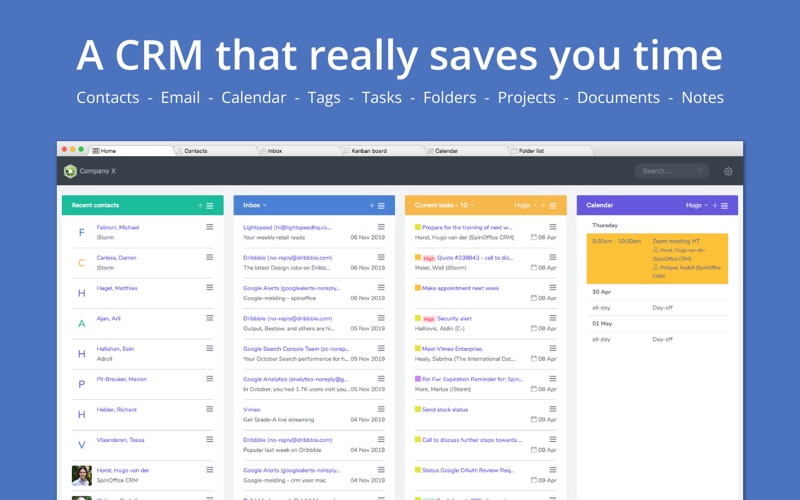
Read our comprehensive review of SpinOffice CRM to discover how this Mac-compatible database streamlines client communication and team workflows.
An All-in-One Client Database for macOS Teams
SpinOffice CRM team application is designed specifically to help small and medium-sized businesses consolidate their customer information into a single, shared environment. Developed by Mulberry Garden B.V., this Mac-compatible software bridges the gap between contact management and daily communication, ensuring that every team member stays on the same page.
How SpinOffice CRM Elevates Daily Workflows
Instead of bouncing between separate email clients, calendar apps, and document folders, this software integrates these elements into a cohesive workspace. Here is what you can accomplish with the platform:
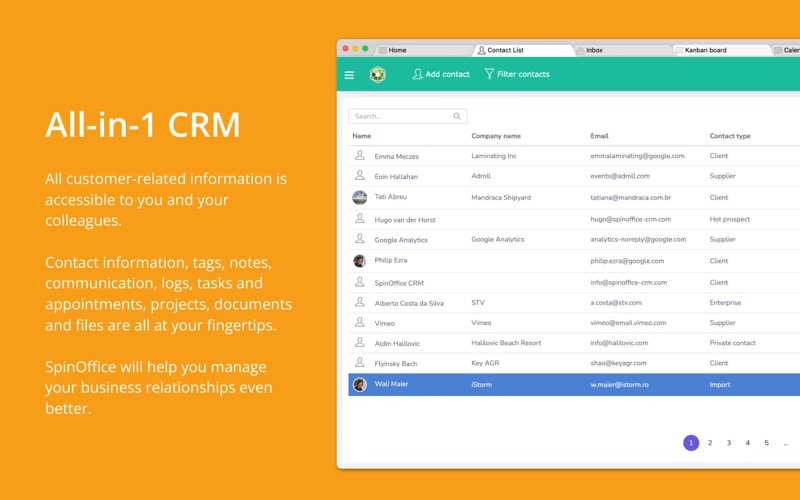
- Centralize Contact History: Link profiles, emails, files, and tasks to specific customers so your team has instant context.
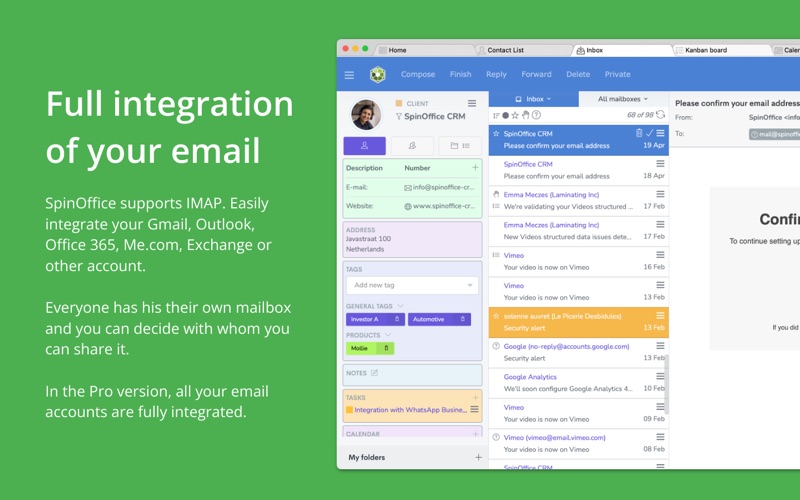
- Streamline Email Management: Connect your inbox via IMAP (including Gmail, Office365, Outlook, and iCloud) to automatically archive messages and retrieve historical communications.
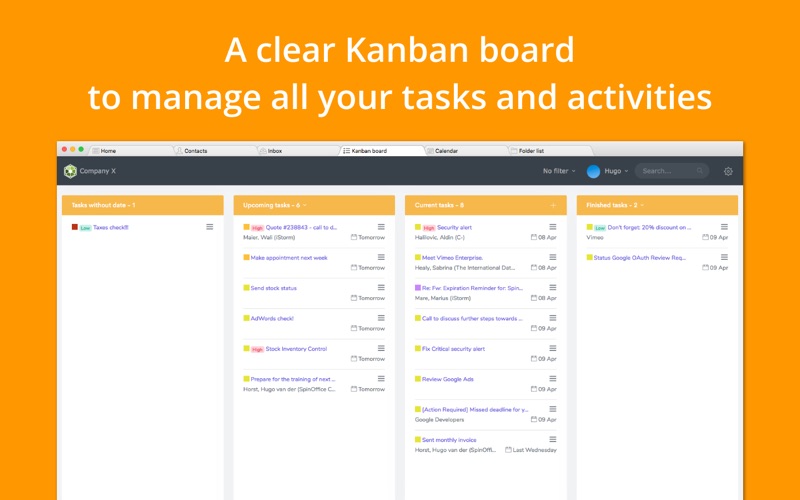
- Collaborate on Tasks: Assign duties, manage document templates, and utilize multi-user features to coordinate projects without leaving the application.
Choosing Between Limited and Pro Editions
The developer offers two tiers to accommodate different business scales. The free Limited version serves as an excellent starting point, offering core features like task management, basic integration with Mac Contacts and Calendar, and cloud storage for up to 50 manually added items (such as sent emails and uploaded files).
For growing operations, upgrading to the Pro license unlocks unlimited contacts and data storage, full email integration, mass mailing tools, custom templates, and advanced security features like role-based access controls and two-factor authentication.
Is SpinOffice CRM Right for Your Business?
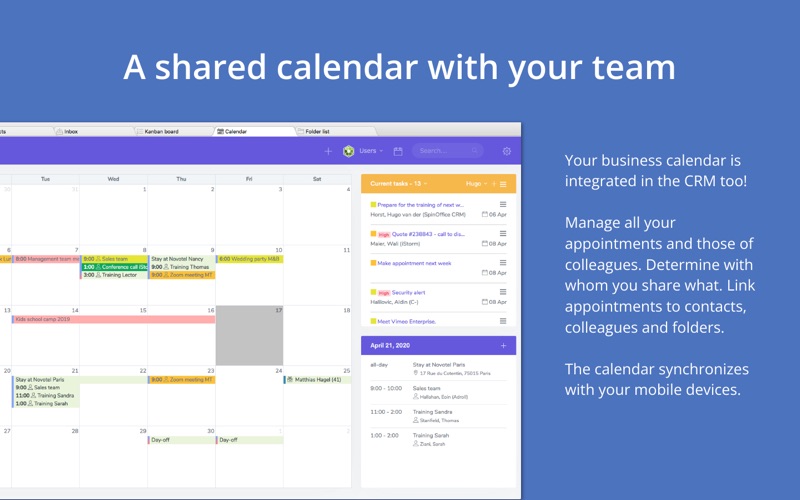
If your team relies on Mac devices and needs a secure, cloud-encrypted space to manage client files and shared calendars, this tool offers a highly practical layout. It eliminates communication silos and keeps your files structured automatically.
To explore its features and evaluate how it fits into your daily routine, you can find the application on the official Mac App Store.