

Email for Gmail
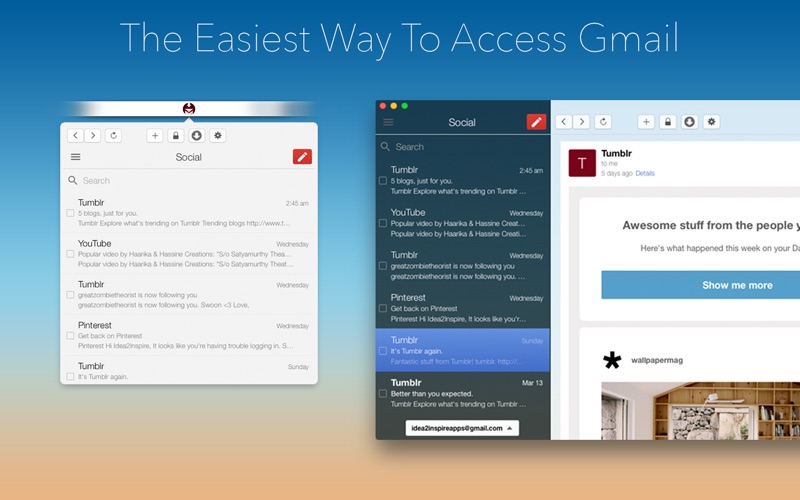
Read our comprehensive review of Email for Gmail for Mac. Discover how this lightweight client streamlines your desktop inbox management.
Managing your inbox directly from a web browser can often lead to lost tabs and missed notifications. Email for Gmail desktop client offers a streamlined solution for macOS users who want a dedicated, always-accessible space for their electronic correspondence. Developed by Sudip Bag, this lightweight utility integrates your Google mail account directly into the macOS environment, changing how you interact with your daily messages.
Seamless Desktop Integration and Accessibility
Instead of keeping a resource-heavy browser tab open all day, the Email for Gmail desktop client runs quietly in the background. It provides instant access to your inbox directly from your Mac's Menu Bar, allowing you to read, compose, and reply to messages with minimal disruption to your workflow.
Key Features for Enhanced Productivity
- Menu Bar Access: Open your inbox instantly from the top of your screen without interrupting your current tasks.
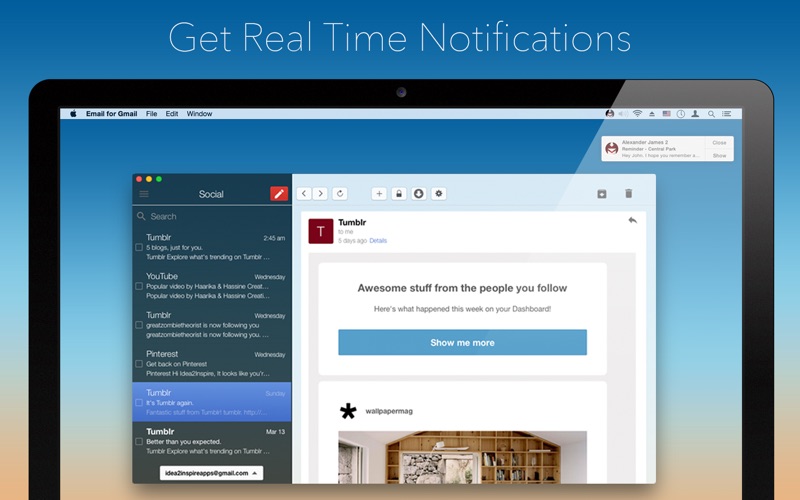
- Notification Center Alerts: Stay updated with native macOS notifications the moment a new message arrives.
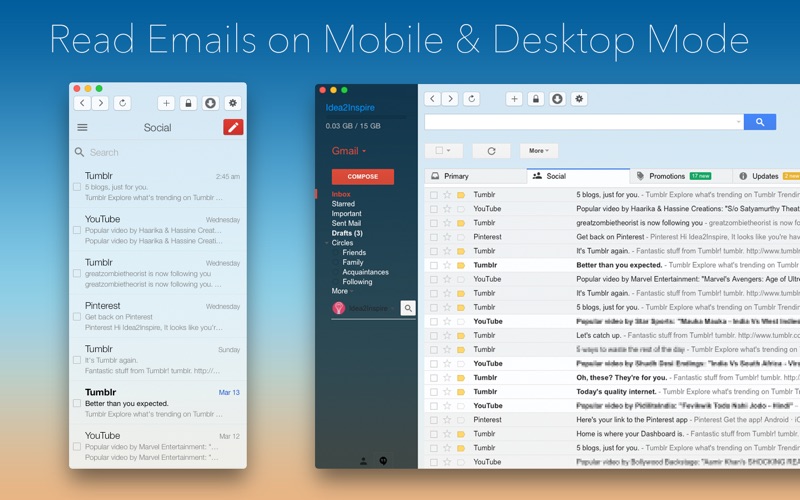
- Flexible Viewing Modes: Toggle easily between Mobile and Desktop viewing modes depending on your screen real estate.
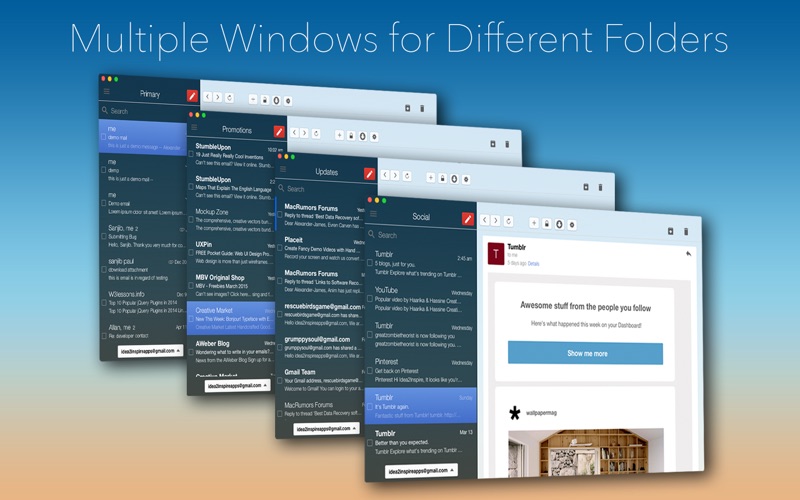
- Multi-Window Capability: Open separate windows for different mail folders to multitask more efficiently.
- Custom Hotkeys: Define a personalized keyboard shortcut to bring the application to the forefront instantly.
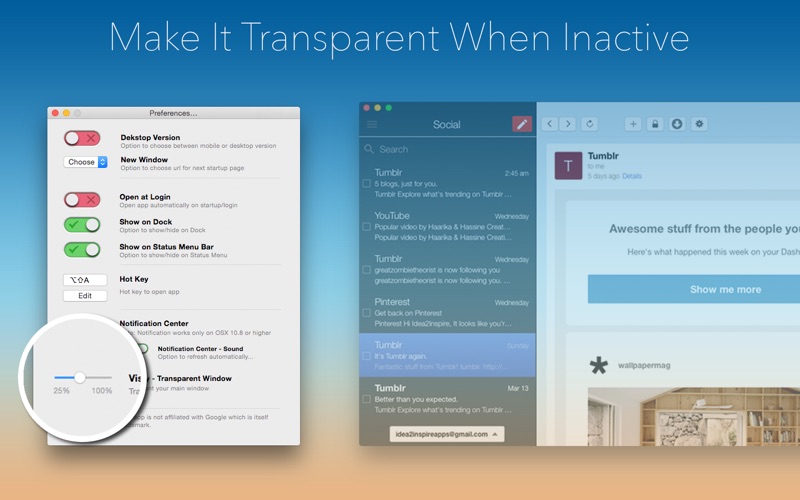
- Visual Customization: Adjust window opacity to make the app transparent, or set it to display behind your desktop icons.
- Live Dock Badge: View your unread message count at a glance via the live badge updater on the Dock icon.
Who Is This Mac Mail Client For?
If you find yourself constantly searching through browser tabs to find your mail, or if you miss important messages because your browser was closed, this utility is designed for you. It bridges the gap between webmail and native desktop applications, offering a focused environment free from the distractions of the open web.
Optimizing Your Email Workflow
By leveraging the Email for Gmail desktop client, you can establish a more disciplined approach to communication. The ability to resize the window fully, coupled with opacity controls, means you can keep your inbox in a corner of your screen while working on other projects, ensuring you never leave urgent correspondence unattended.
Our Editorial Verdict
For Mac users seeking a dedicated, lightweight utility to handle their Google mail without the overhead of a full web browser, this application offers an excellent suite of convenience features. You can explore more details and purchase the application by visiting the official Mac App Store page.