

AnyDesk
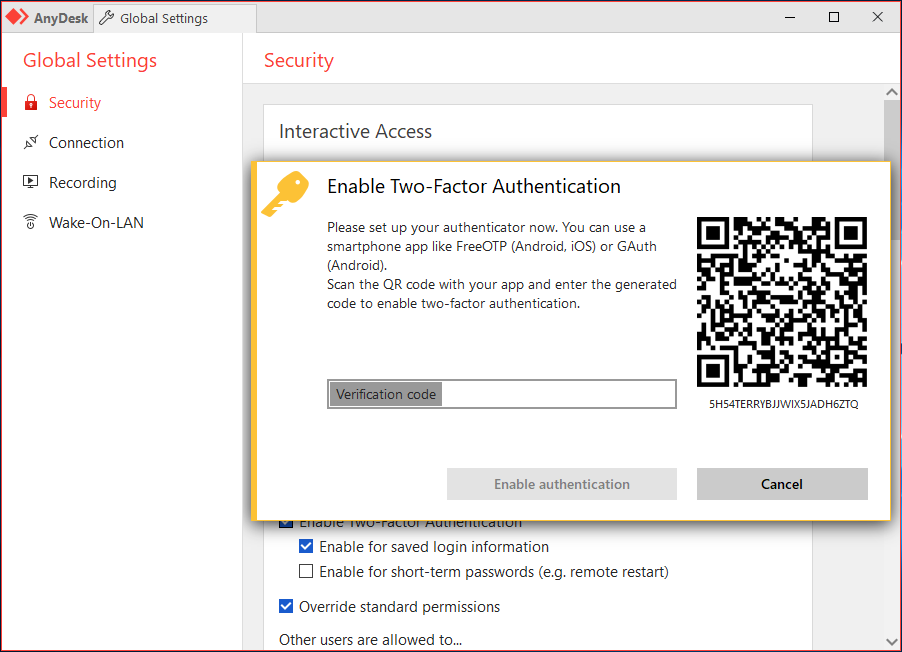
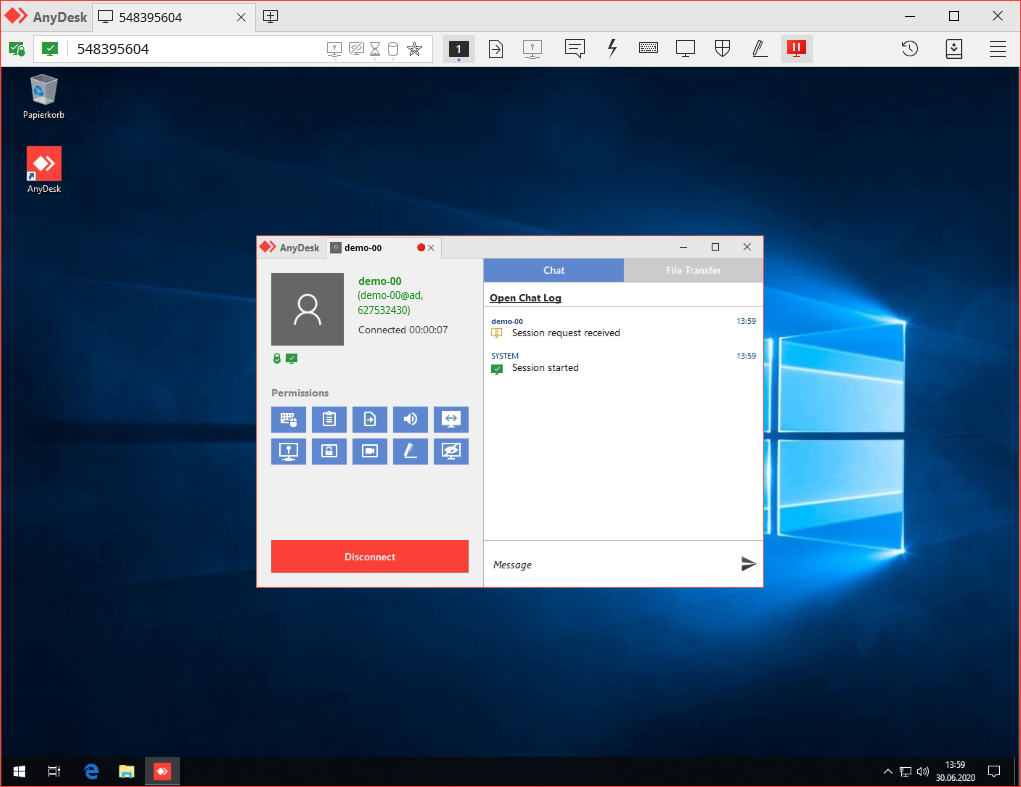
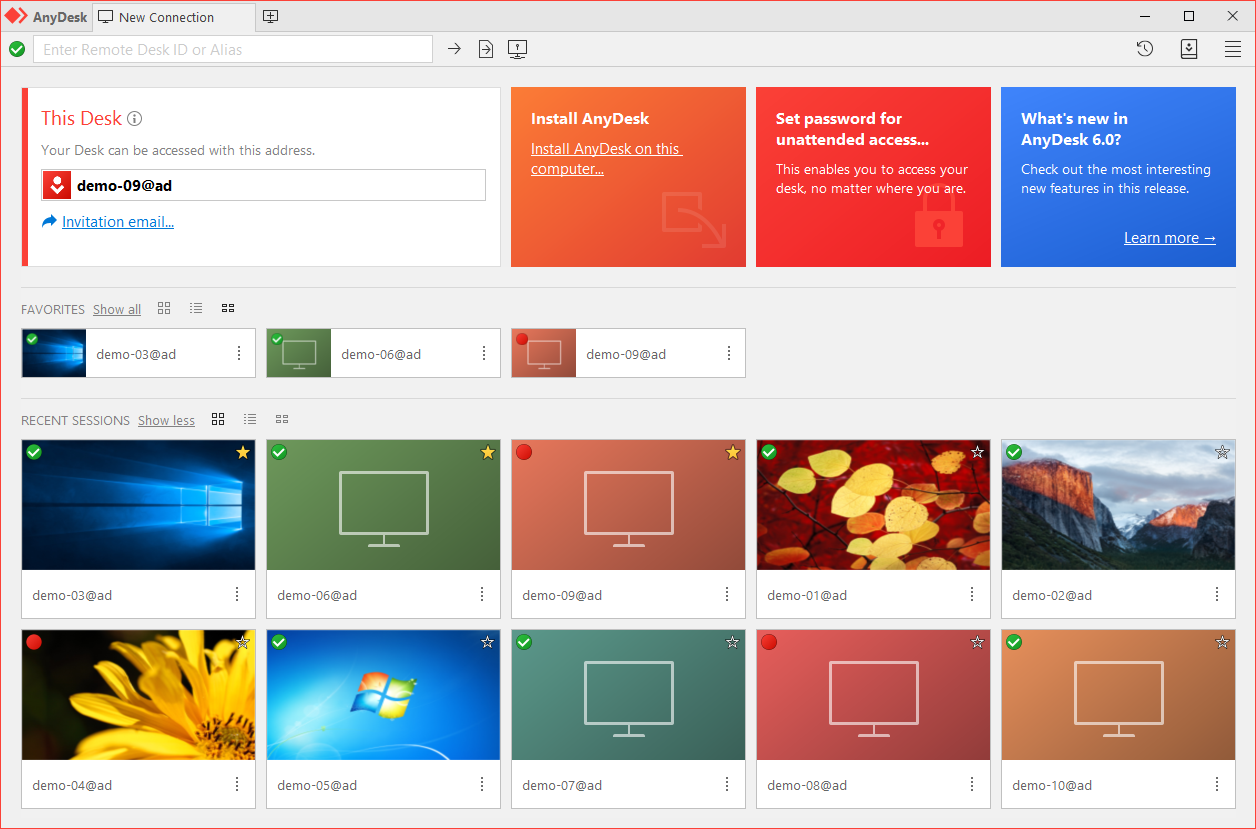
Explore our comprehensive review of AnyDesk for Linux. Discover how this powerful remote desktop tool provides secure, low-latency connections for IT pros.
The Speed Advantage in Remote Desktop Connectivity
When it comes to accessing workstations from afar, latency is the ultimate productivity killer. AnyDesk remote desktop tool sets itself apart from traditional remote access solutions through its exceptional proprietary video codec, which ensures near-instantaneous screen transmissions even on bandwidth-constrained networks. For Linux users requiring seamless control over remote machines, this lightweight client offers a highly responsive interface that makes remote administration feel like you are sitting directly in front of the host hardware.
Key Features of AnyDesk for Linux
Whether you are managing an entire server infrastructure or providing ad-hoc technical support to remote team members, this application delivers a robust set of features tailored for demanding environments:
- Fluid Frame Rates: Experience smooth on-screen rendering and minimal input lag during active sessions.
- Secure Architecture: Built with military-grade security protocols to protect your data transmissions from unauthorized interception.
- Lightweight Footprint: The application runs efficiently without consuming excessive system resources on your Linux distribution.
- Cross-Platform Compatibility: Seamlessly bridge the gap between your Linux machine and remote systems running different operating systems.
Who is the AnyDesk Remote Desktop Tool For?
This platform is engineered primarily for IT professionals, system administrators, and remote workers who require uninterrupted access to their digital workspaces. Its reliable architecture makes it an indispensable asset for enterprise helpdesks managing decentralized teams, as well as developers who need to configure and monitor headless Linux servers from a graphical interface. Because of its straightforward setup, it is equally accessible to individual users who need to assist family members with technical troubleshooting.
An Essential Tool for Modern Administration
In an era where remote work is standard, having a dependable AnyDesk remote desktop tool setup on your Linux system ensures you remain productive regardless of your physical location. While this specific package is maintained as a community-supported build on Flathub, it brings the core efficiency of the platform directly to your desktop environment.
To learn more or to set up this connection utility on your device, visit the official store page on Flathub today.