
miEbooks
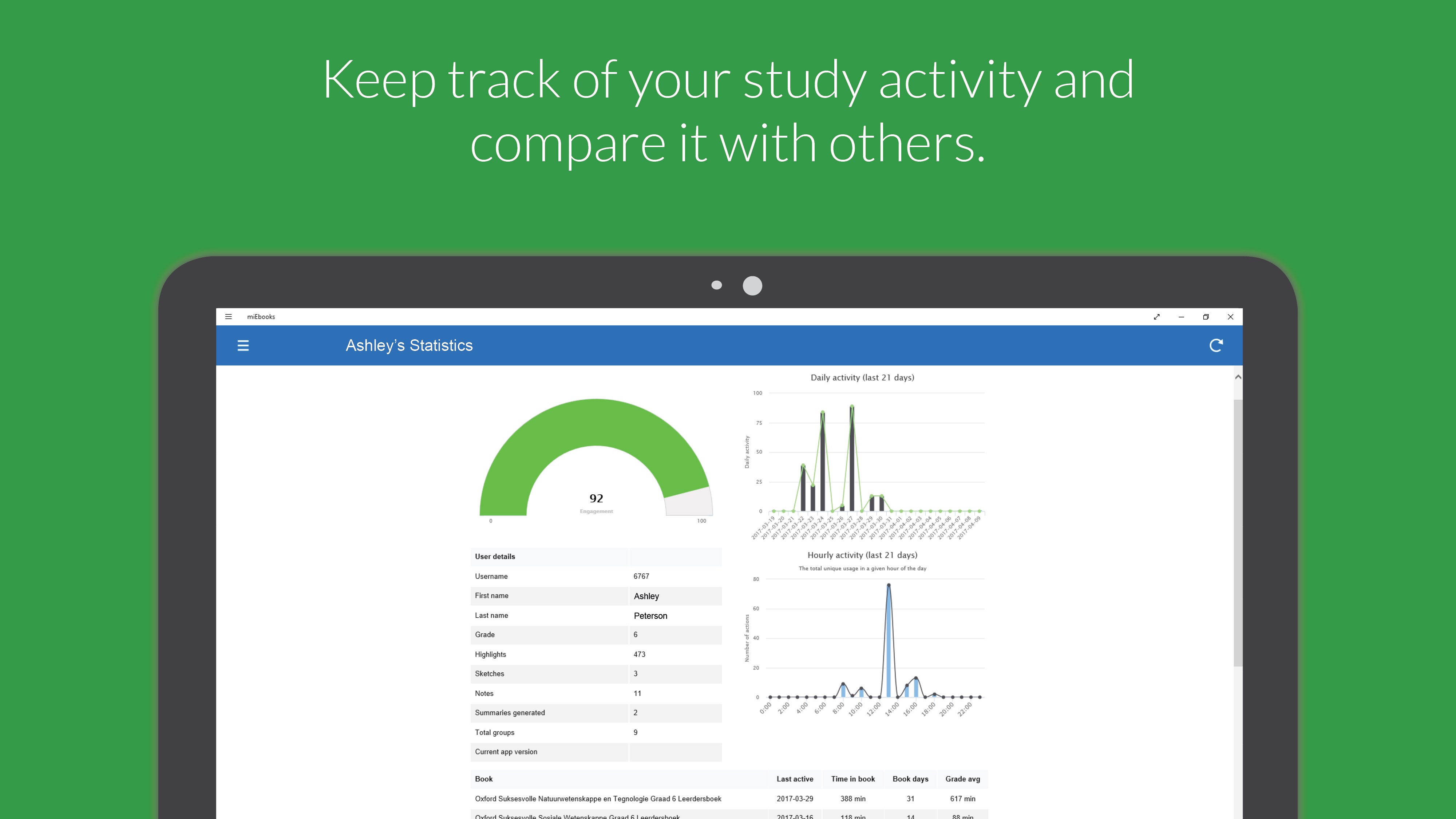
An in-depth review of miEbooks, the interactive e-reader by ITSI designed to transform digital study materials with advanced offline annotation tools.
When it comes to digital learning, static PDFs often fall short of providing a truly immersive study environment. The miEbooks interactive e-reader, developed by ITSI, addresses this gap by transforming standard digital textbooks into highly dynamic, personalized learning spaces. Designed specifically to support active learning, this platform bridges the gap between passive reading and structured academic revision on Windows devices.
What Sets the miEbooks Interactive E-Reader Apart?
Unlike basic document viewers, the miEbooks interactive e-reader is engineered around cognitive learning principles. It allows readers to engage deeply with their digital texts through a suite of intuitive study tools. Whether you are prepping for exams or reference-checking corporate guidelines, the software ensures your study materials remain highly organized and accessible.
Core Features and Study Tools
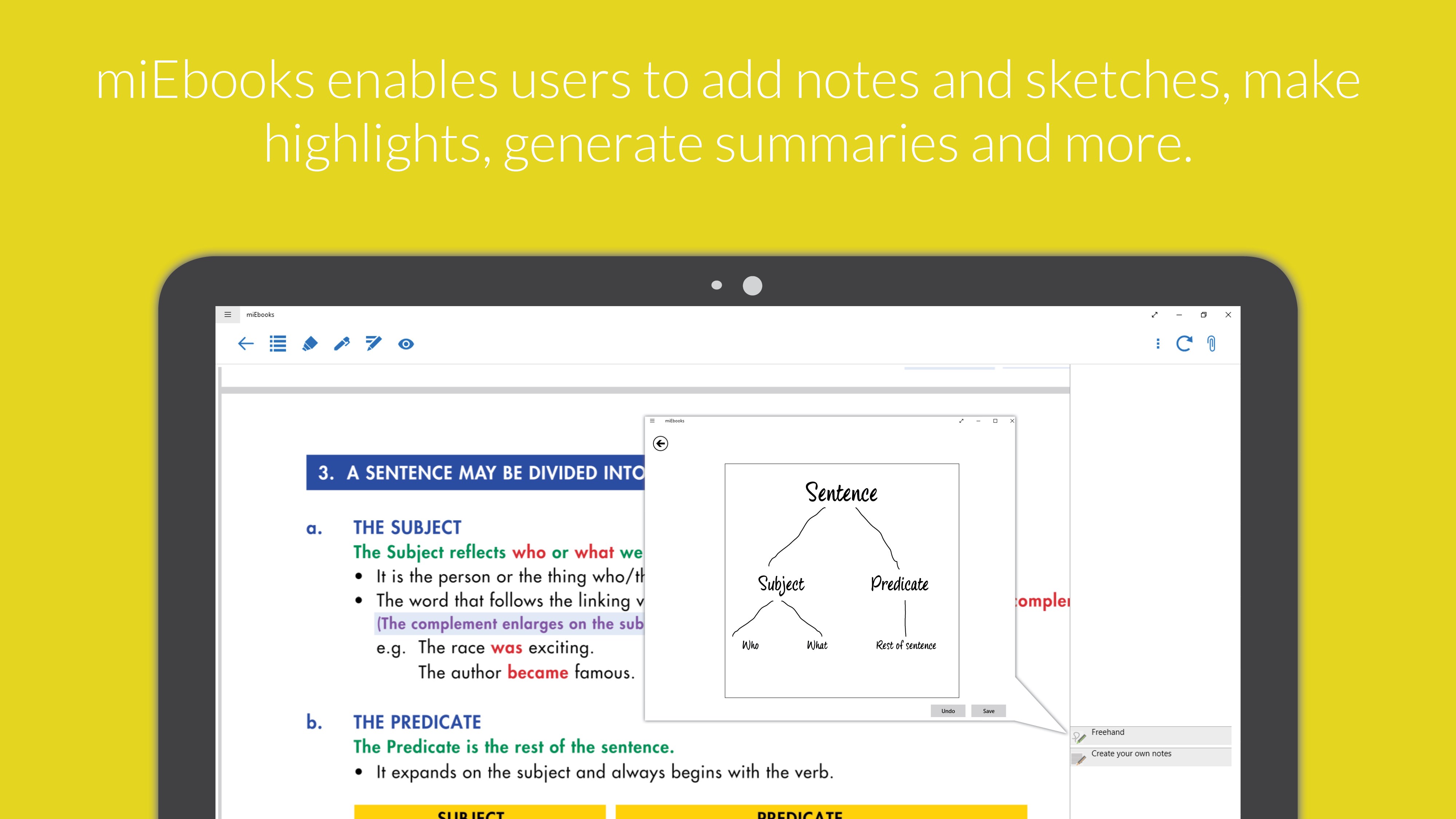
- Rich Annotations and Sketching: Users can write freehand sketches or type detailed notes directly onto specific sections of their digital books, mirroring the benefits of physical margin-writing.
- Smart Highlight Summaries: Highlight key passages and instantly compile those selections into structured study summaries, saving hours of manual note-taking.
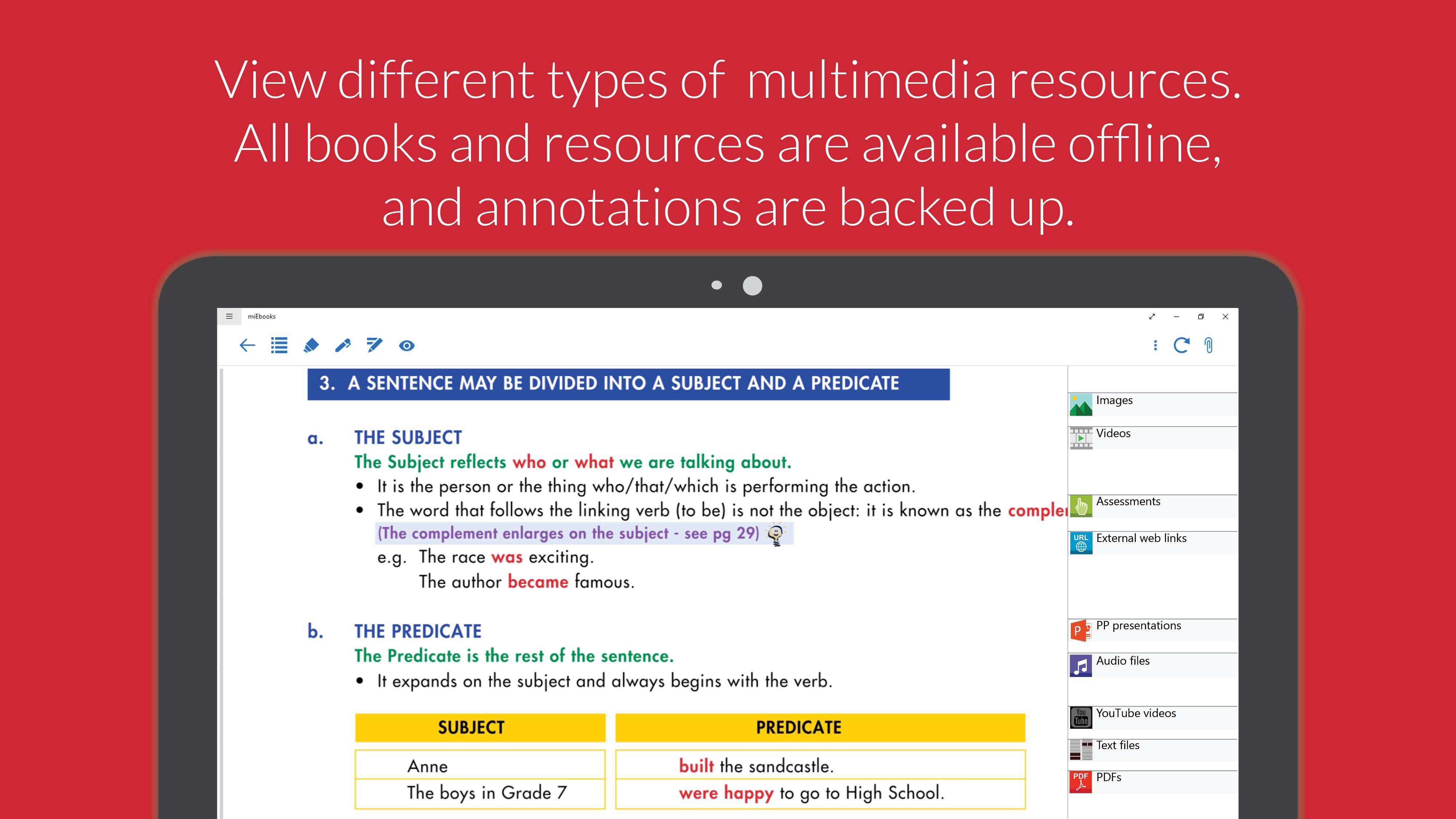
- Multimedia Integration: Access supplemental multimedia resources embedded directly within the text to clarify complex topics.
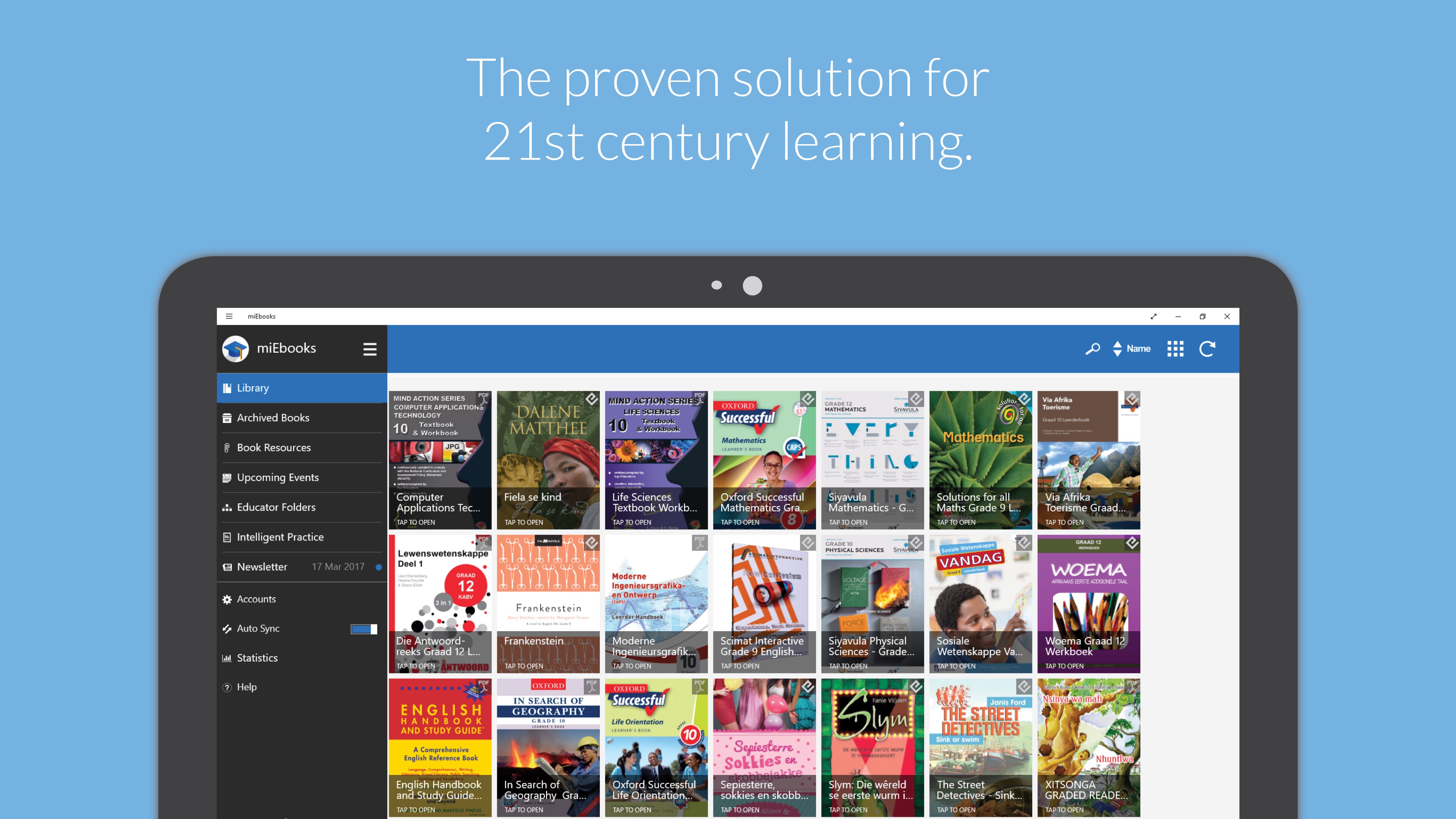
- Seamless Offline Functionality: Once downloaded, your entire library and all corresponding resources are fully accessible without an internet connection.
- Cloud Backup Synchronisation: Your custom highlights, sketches, and notes are automatically backed up to the cloud whenever your device connects to your institution's Wi-Fi or the broader internet.
Who is This Digital Reading Platform For?
The versatility of the miEbooks interactive e-reader makes it an excellent fit for several distinct user groups:
- Schools and Academic Institutions: Ideal for academic centers executing full-scale digital learning initiatives.
- Corporate Training Sectors: Perfect for businesses looking to distribute training manuals and interactive professional development resources.
- Independent Learners: A highly flexible, feature-rich solution for anyone seeking to optimize their personal e-book library and study workflow.
Final Verdict
For Windows users seeking a more productive way to digest educational content, this app offers an exceptionally structured environment. By combining offline reliability with robust note-taking tools, it remains a premier choice for academic and corporate settings alike. To explore this digital solution further, head over to the official Microsoft Store to view the app on its official store page.