
GPS Route Finder: Maps Navigation

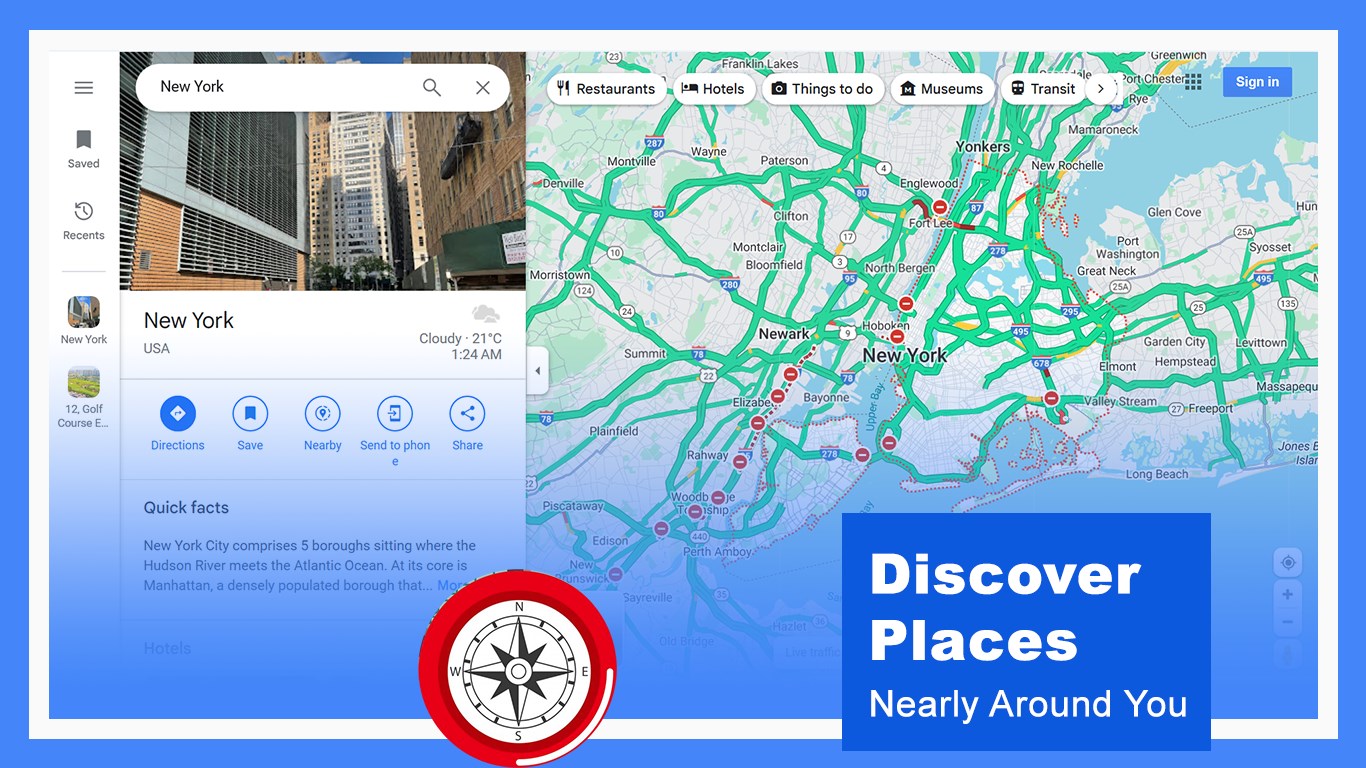

Discover how the GPS Route Finder app by Purple Martin simplifies Windows navigation. Read our full review of its offline map features and routing tools.
The Perfect Tool for Stress-Free Navigation
Picture this: you are navigating a new city on your Windows device, your connection drops, and you need to find the nearest ATM or coffee shop immediately. Having a reliable mapping companion can save you hours of frustration. GPS Route Finder: Maps Navigation and Directions is a lightweight, high-performance desktop navigation application designed to help you reach your destination safely and efficiently, whether you are driving or walking.
Key Features of GPS Route Finder: Maps Navigation and Directions
Developed by Purple Martin, this application stands out in the travel and local category by offering a streamlined interface and flexible search capabilities. Here is what makes the utility highly functional:
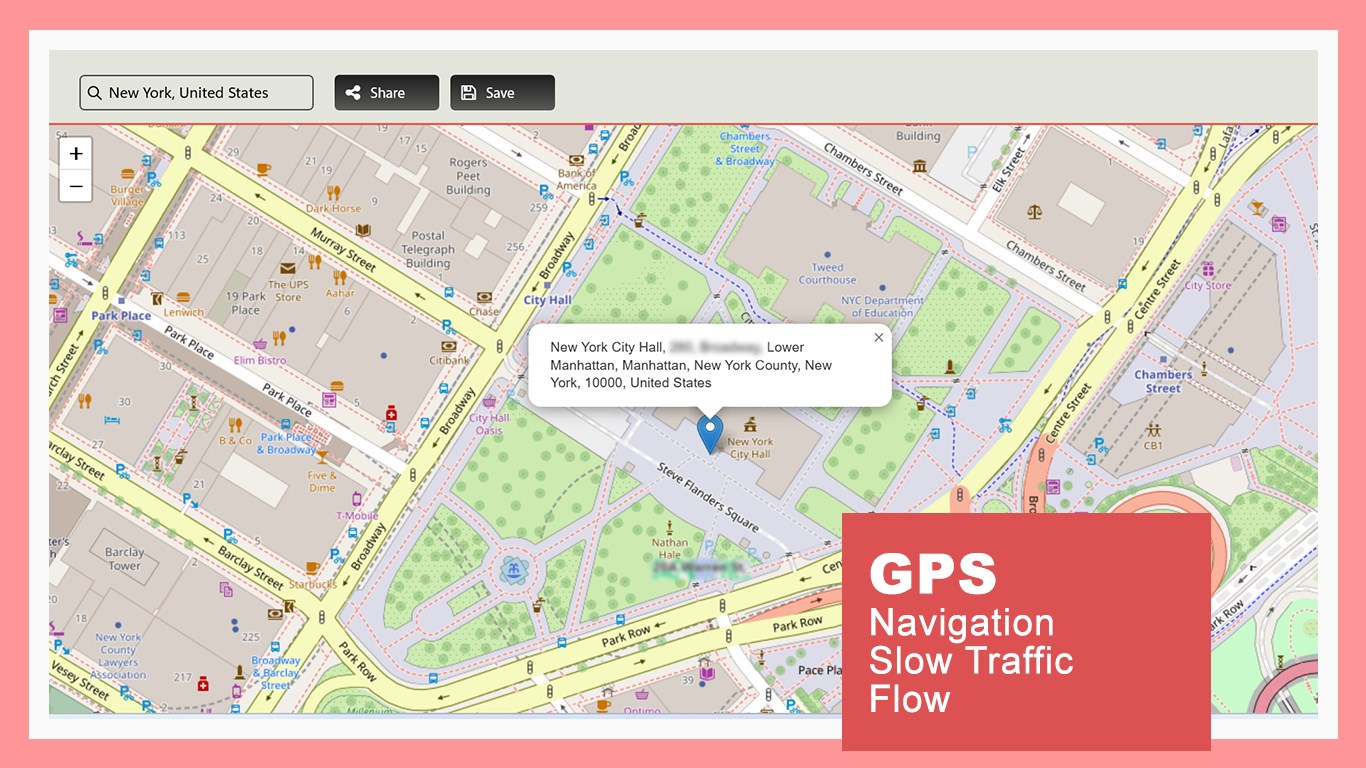
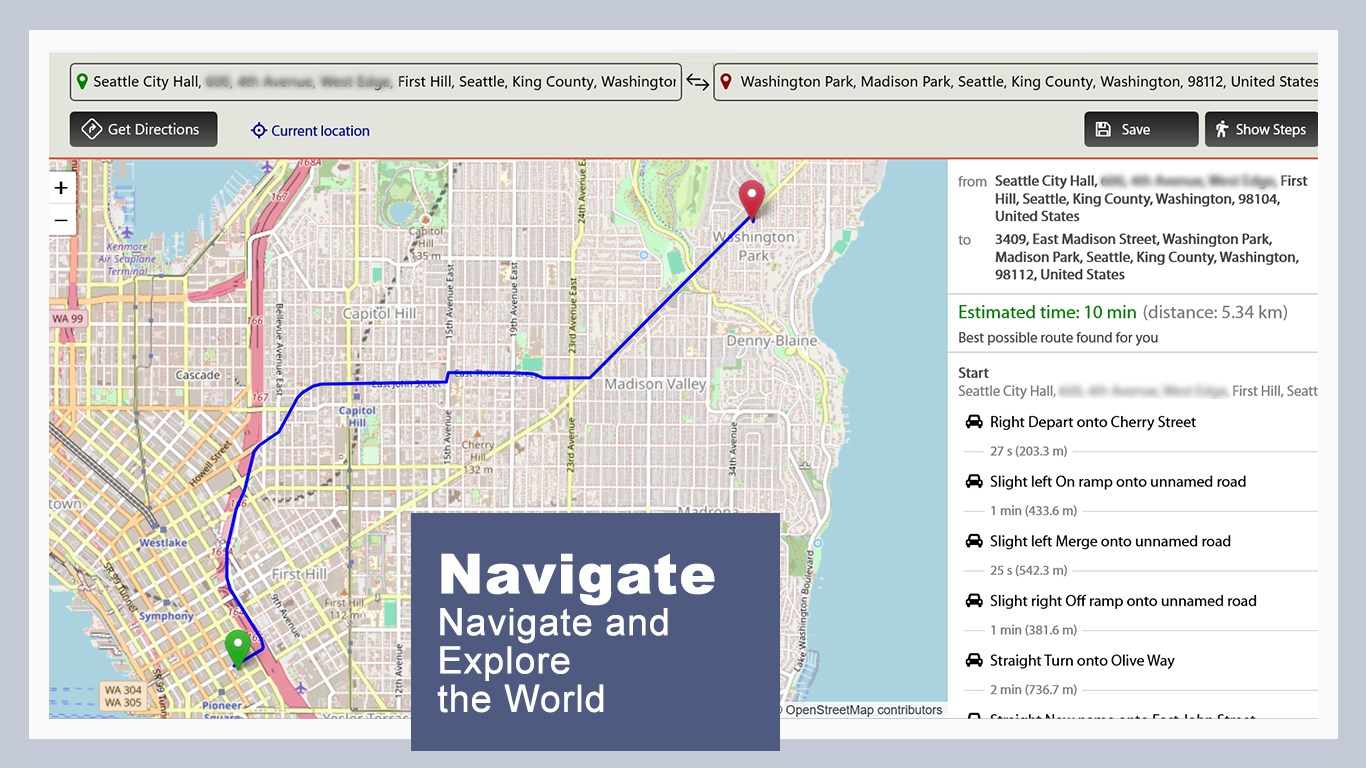
- Multi-Search Flexibility: Users can search for specific destinations by exact address or utilize the built-in route finder to map out a complete journey.
- Point-to-Point Location Saving: Save your favorite spots and frequent destinations for quick reference later, reducing the need to repeat searches.
- Customizable Map Styles: Redesign your mapping interface on the fly with multiple visual styles to suit your environment and lighting.
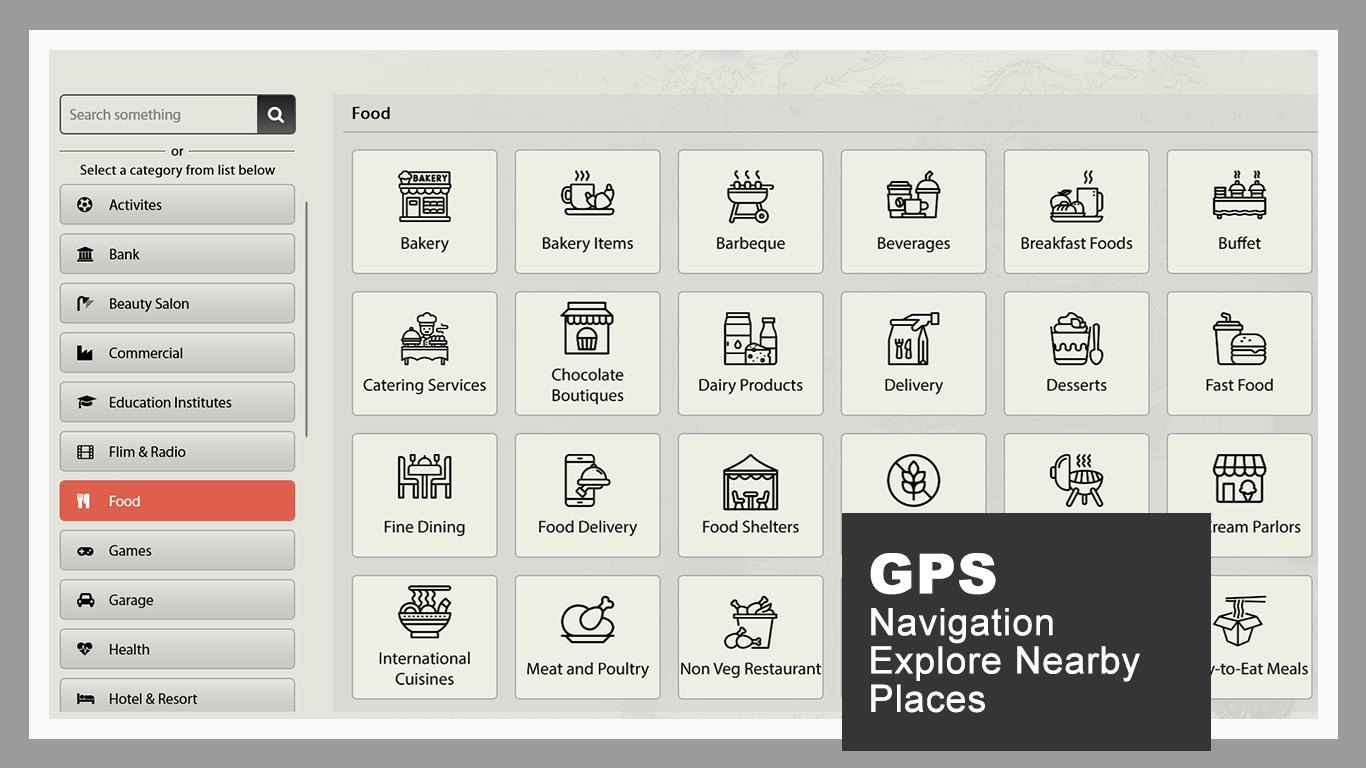
- Localized Points of Interest: Pinpoint critical services nearby, including cafes, bars, colleges, and ATMs, with real-time updates.
- Offline Information & Open Data: Benefit from reliable mapping data powered by OpenStreetMap and Nominatim geocoding services, ensuring stable performance.
Who Is This Navigation App For?
GPS Route Finder: Maps Navigation and Directions is ideal for Windows users who need a stable, resource-light mapping tool on their laptops or tablets. It is particularly useful for travelers planning routes ahead of time, remote workers setting up temporary offices in new cities, or anyone needing quick point-to-point distance calculations without heavy system lag.
An Efficient, Lightweight Experience
Unlike bloated mapping suites, this software focuses on delivering fast directions. With its renovated search engine and customizable names on the maps to mark your current location, you retain full control over your digital map view. If you are looking for an uncomplicated, highly stable directory tool for your Windows device, this application is a solid choice.
To explore this tool further and add a dependable guide to your device, check out the official listing on the Microsoft Store.