

TapRecord: Screen Recorder

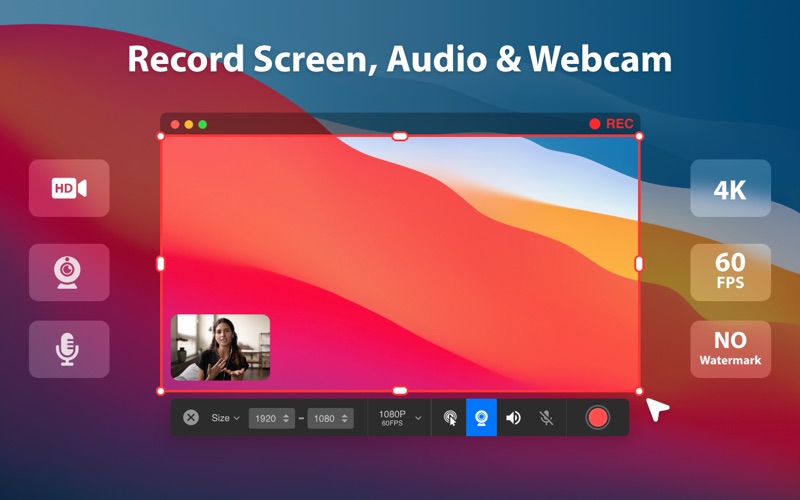
Read our comprehensive review of TapRecord: Screen Recorder for Mac. Discover how this lightweight tool captures high-quality video and audio seamlessly.
While many macOS utilities feel overly complex, TapRecord: Screen Recorder stands out by offering an incredibly streamlined, no-fuss approach to capturing your screen. Developed by Vidline Inc., this communication-category utility is designed specifically for Mac users who need to record high-quality video and audio without navigating confusing menus or heavy system lag. Whether you are capturing a live corporate webinar or recording an unexpected software bug, it delivers a smooth experience from start to finish.
Key Features of TapRecord: Screen Recorder
This software is packed with robust capabilities designed to handle diverse recording environments. Here is what makes the application highly effective for daily productivity:
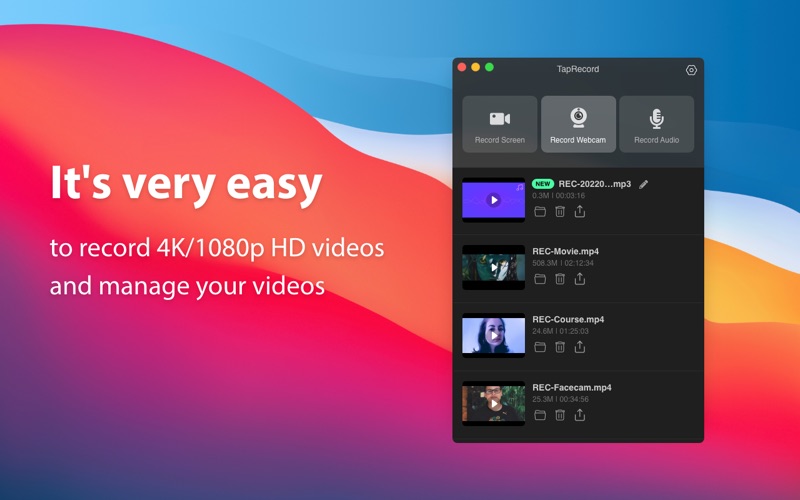
- High-Resolution Capture: Record your desktop activities in HD, 1080P, 2K, or even ultra-sharp 4K resolutions.
- Smooth Gameplay Recording: Choose from multiple frame rate options, including 24, 30, or 60 FPS, to ensure your gameplay clips look fluid.
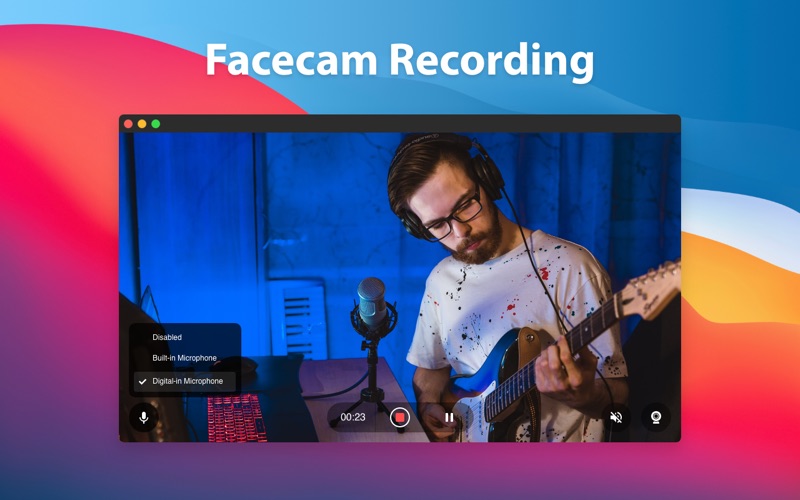
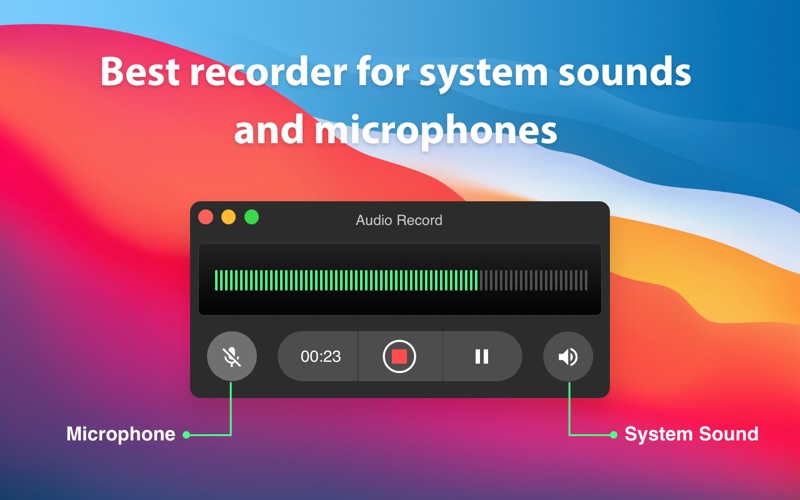
- Multi-Source Audio: Seamlessly capture system audio alongside microphone input and your connected webcam.
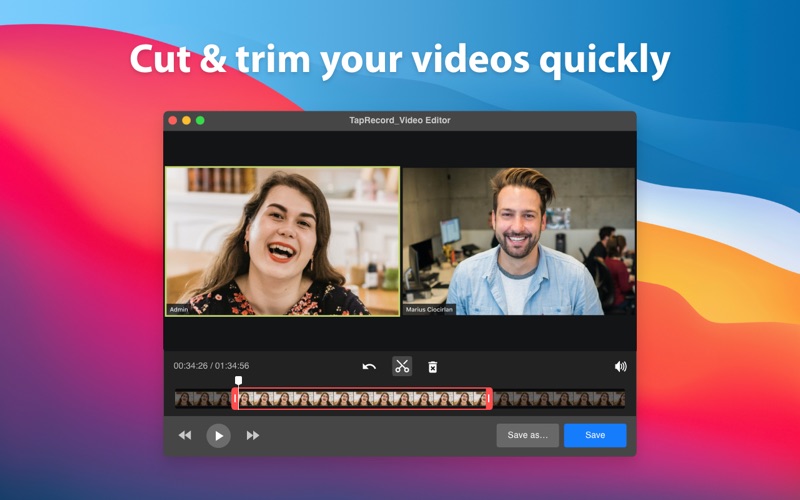
- Integrated Video Editor: Quickly trim and cut your finished recordings directly inside the app to remove unwanted footage.
- No Connectivity Barriers: Full offline recording support ensures you can work securely even without an active internet connection.
Who Is This Mac Utility For?
TapRecord: Screen Recorder is highly versatile, making it an excellent addition to any professional's toolkit. Remote teams can easily record online meetings and webinars for later reference. Educators and content creators can quickly produce clear video tutorials, complete with captured mouse actions for step-by-step clarity. Additionally, the built-in media players allow you to instantly review your captured video and audio files without needing to launch third-party applications.
A Highly Reliable Desktop Companion
What truly elevates this tool is its dependability during long sessions. With features like offline capture capabilities and quick sharing options, it minimizes the friction usually associated with video production. By balancing advanced settings like custom frame rates with straightforward controls, Vidline Inc. has built a utility that serves both casual users and detail-oriented professionals alike.
How to Get Started
If you are looking for a dependable, high-performance solution to capture your desktop activities, this utility is well worth exploring. To learn more or to add this tool to your macOS setup, check out the official App Store page today.