
Dialect Translation App
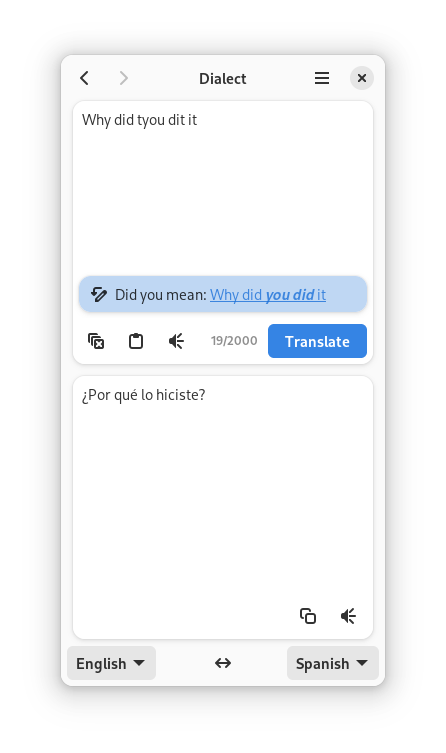
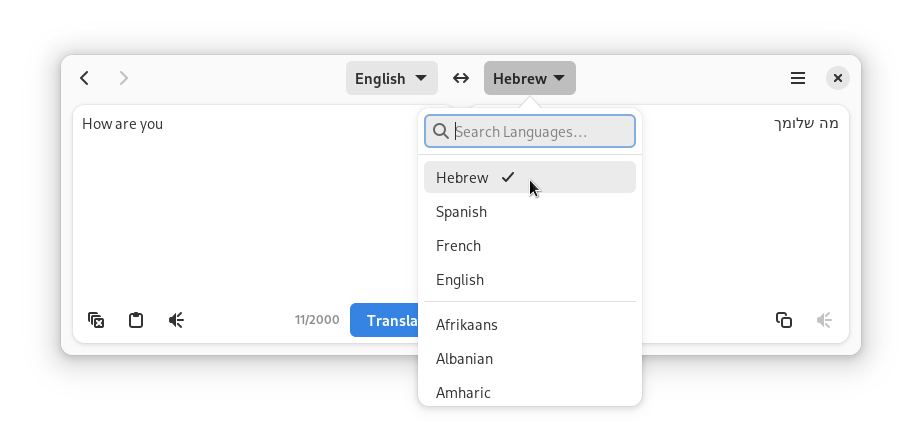
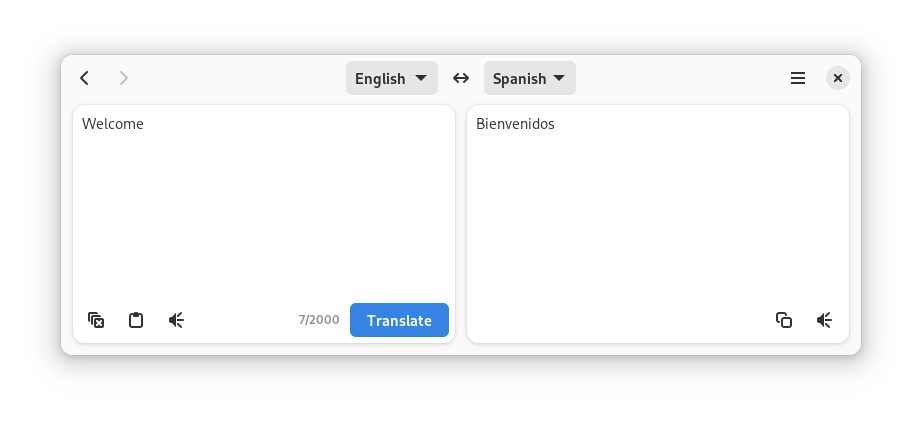
An in-depth review of the Dialect translation app for Linux. Explore its multi-engine support including DeepL, Google Translate, and LibreTranslate.
Imagine you are deep in a Linux terminal session, reviewing localized system logs or collaborating with an international open-source team. Interrupting your command-line workflow to open a heavy web browser just for a quick phrase translation is highly inefficient. This common desktop friction point is exactly what the Dialect translation app aims to solve for GNOME users.
Developed by The Dialect Authors, this dedicated translation utility integrates beautifully into modern Linux environments, offering a streamlined interface that keeps you focused on your work without browser-tab clutter.
Why the Dialect Translation App is a Linux Essential
Unlike basic web shortcuts, the Dialect translation app acts as a unified hub for multiple translation services. Instead of locking you into a single provider, it gives you the freedom to choose the engine that best fits your privacy preferences and accuracy needs.
Supported Translation Engines:
- Google Translate & Bing: Reliable, industry-standard translation services for everyday use.
- DeepL: Renowned for highly accurate, natural-sounding translations.
- Yandex: Excellent regional translation capabilities.
- LibreTranslate & Lingva Translate: Privacy-conscious, open-source APIs that allow you to connect to public instances or host your own.
Key Features and Productivity Tools
Beyond simple text translation, this software is packed with convenient desktop integrations designed for rapid workflow execution:
- Automatic Language Detection: Paste text in any language, and the application instantly recognizes it.
- Text-to-Speech: Listen to the correct pronunciation of translated phrases directly through your desktop audio.
- Clipboard Integration: Quick-copy buttons allow you to grab translations and paste them instantly into your code editor or chat client.
- Translation History: Easily recall previous translations without having to re-type or re-query the APIs.
Who Is This Application For?
This software is highly recommended for developers, system administrators, and multilingual power users who require a fast, distraction-free communication tool. Its native GNOME design ensures it looks pristine and acts responsively on modern Linux distributions.
To add this powerful tool to your system, visit the official Flathub store page to view installation requirements and documentation.