FurMark
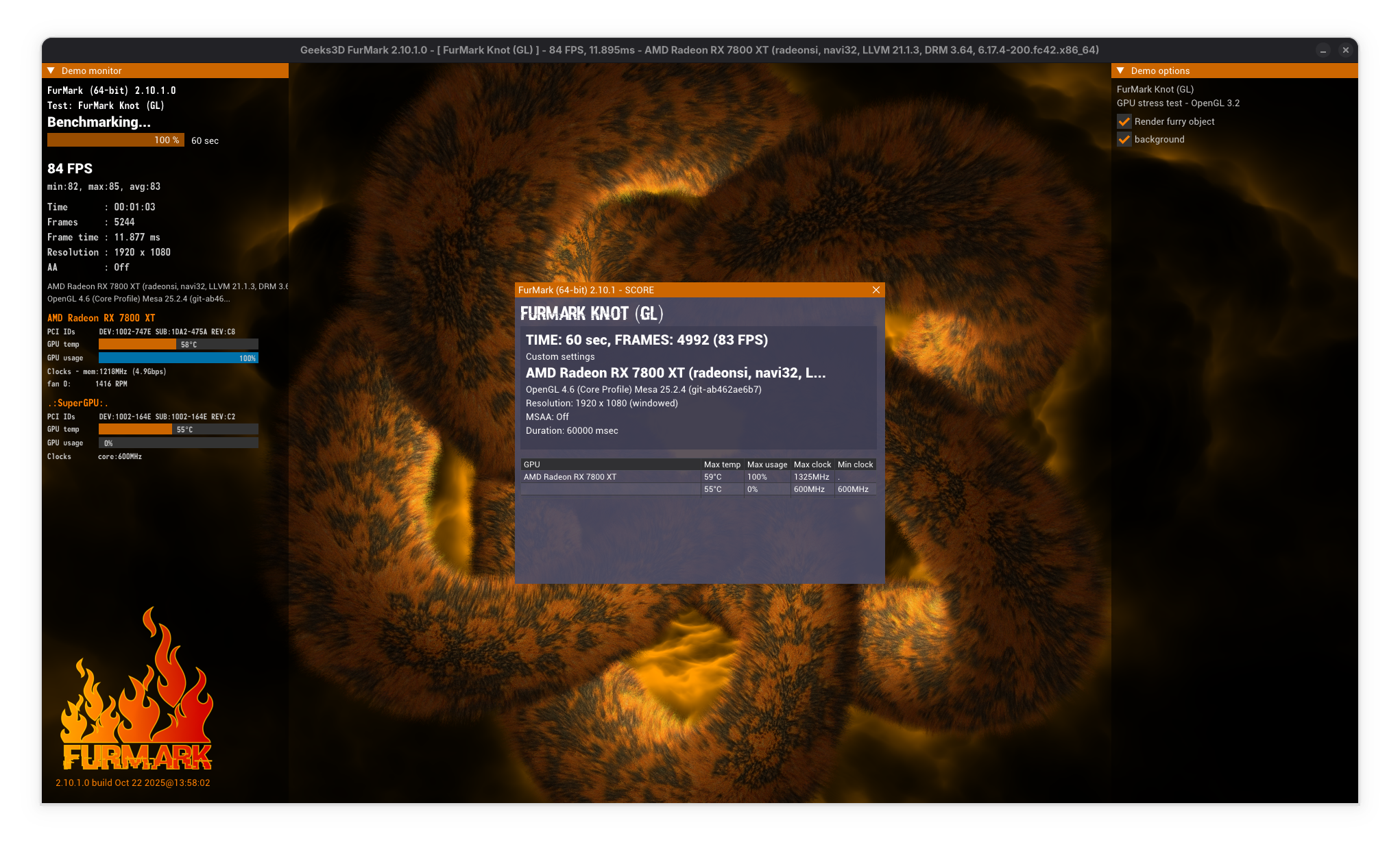
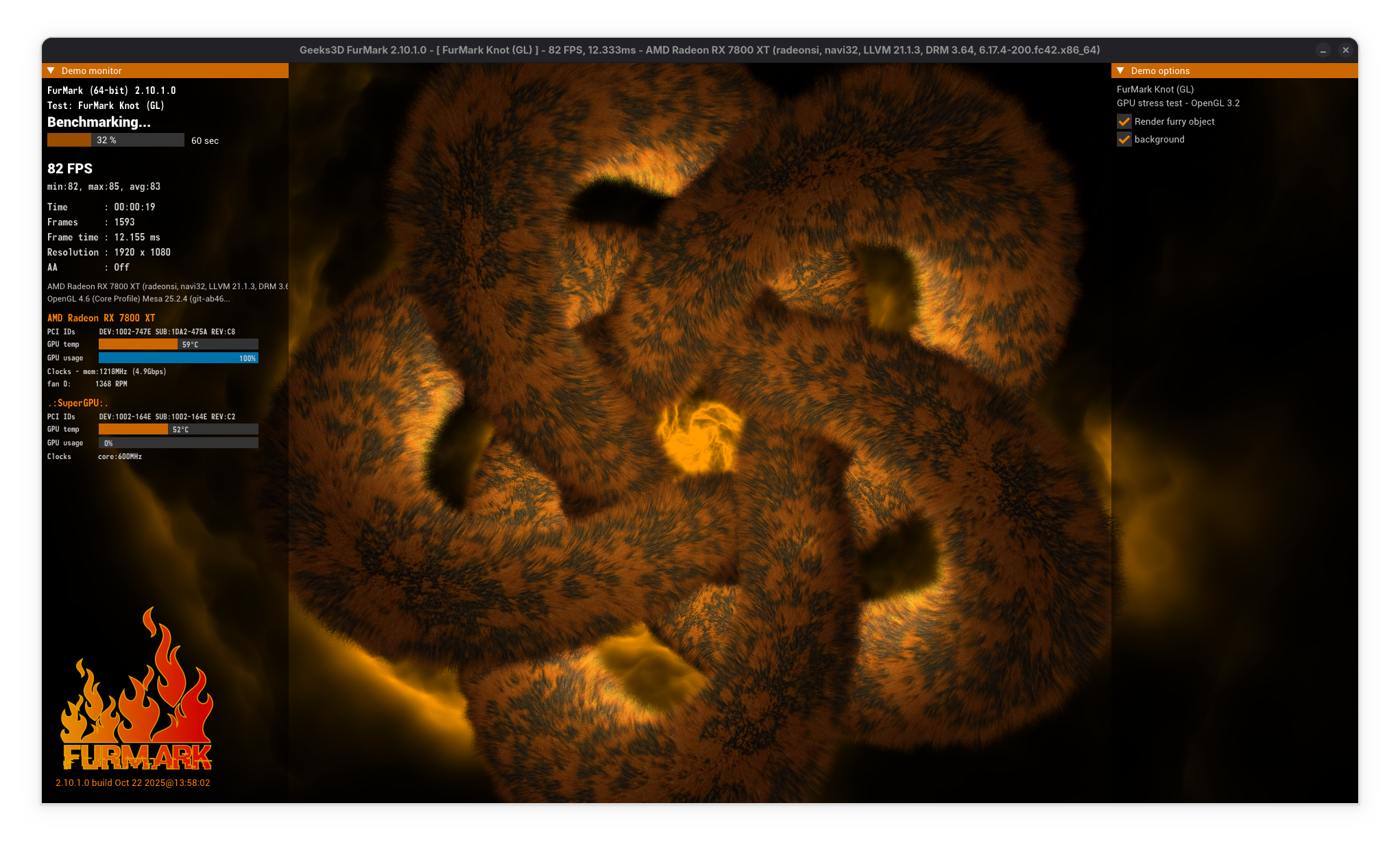
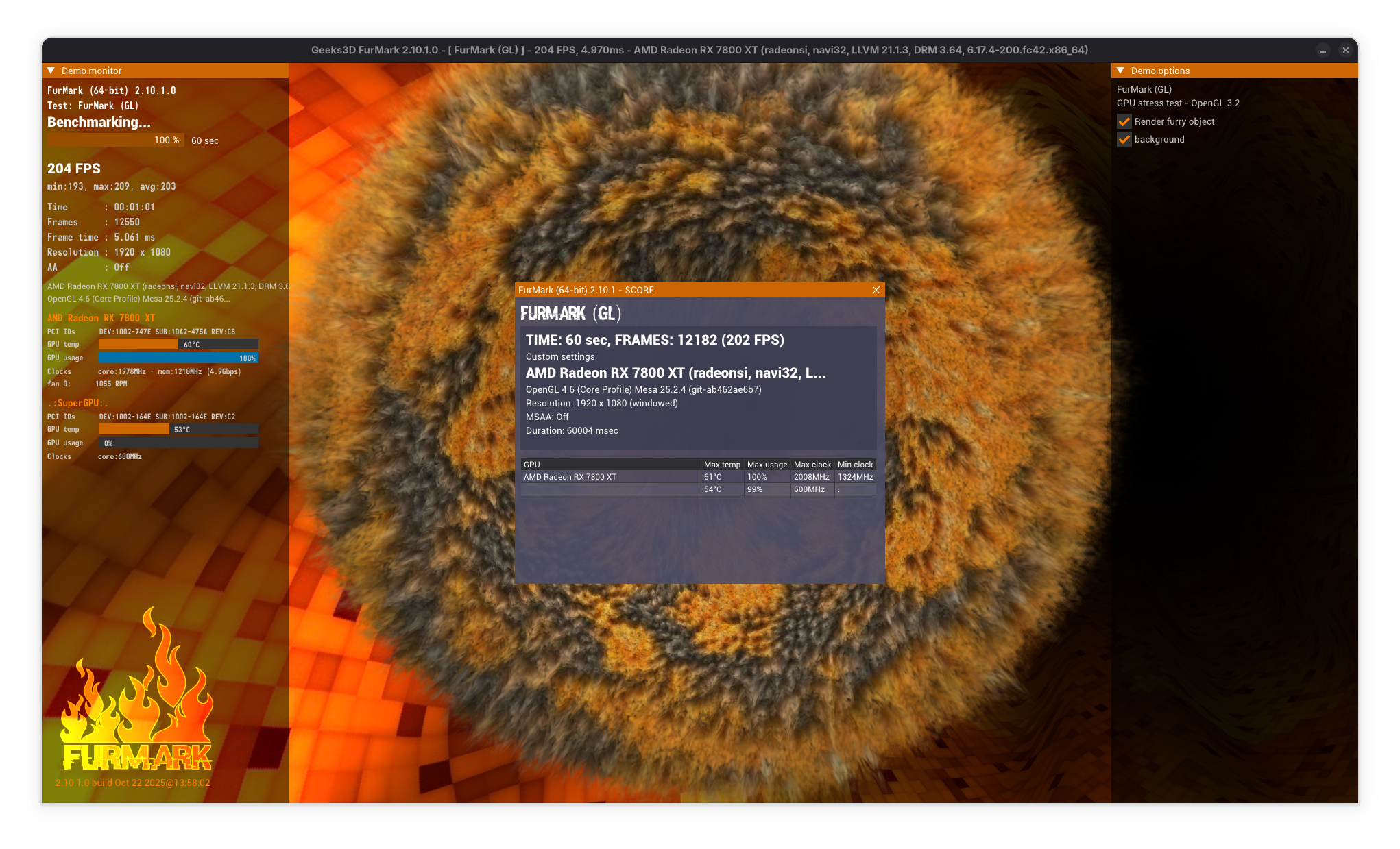
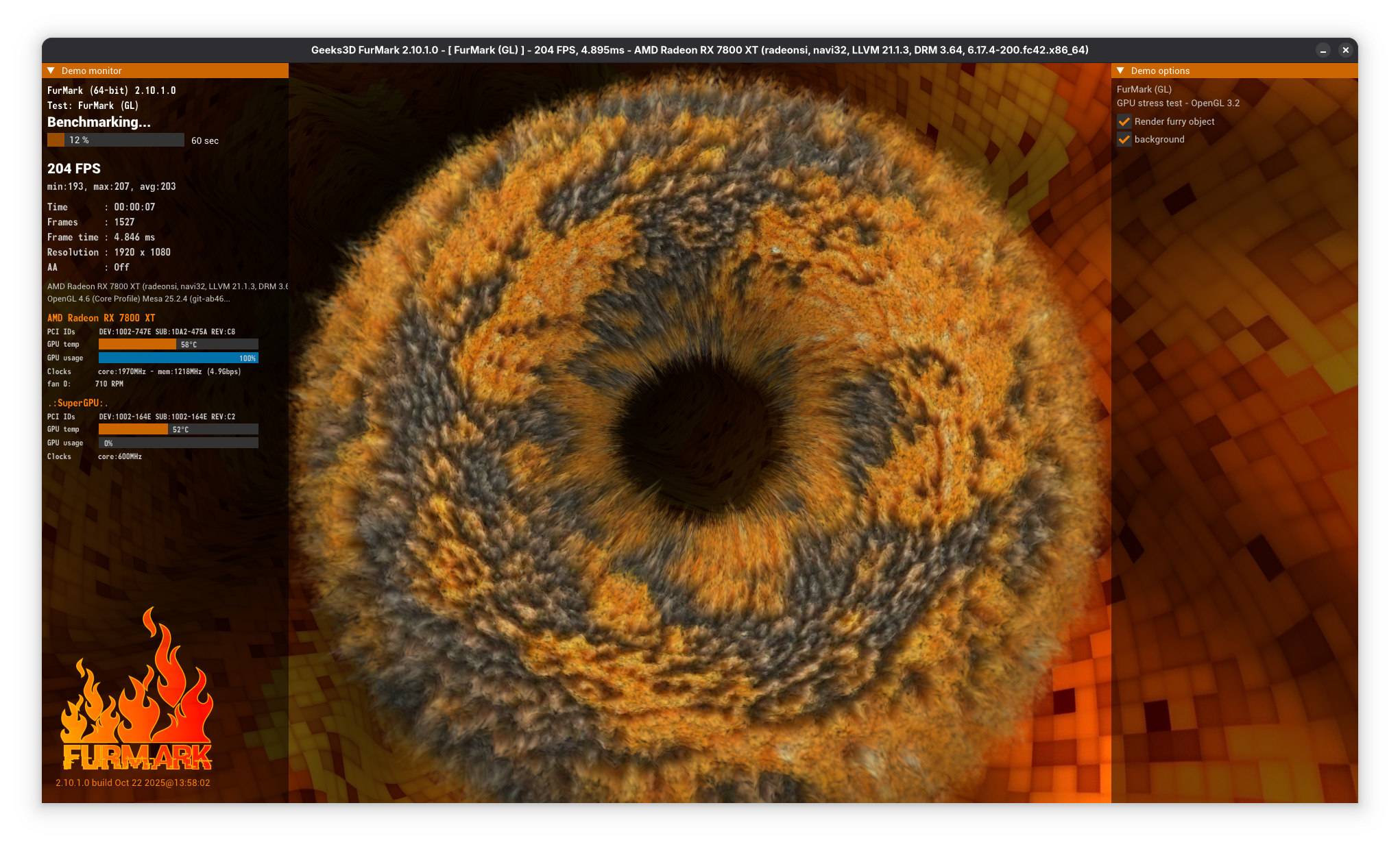
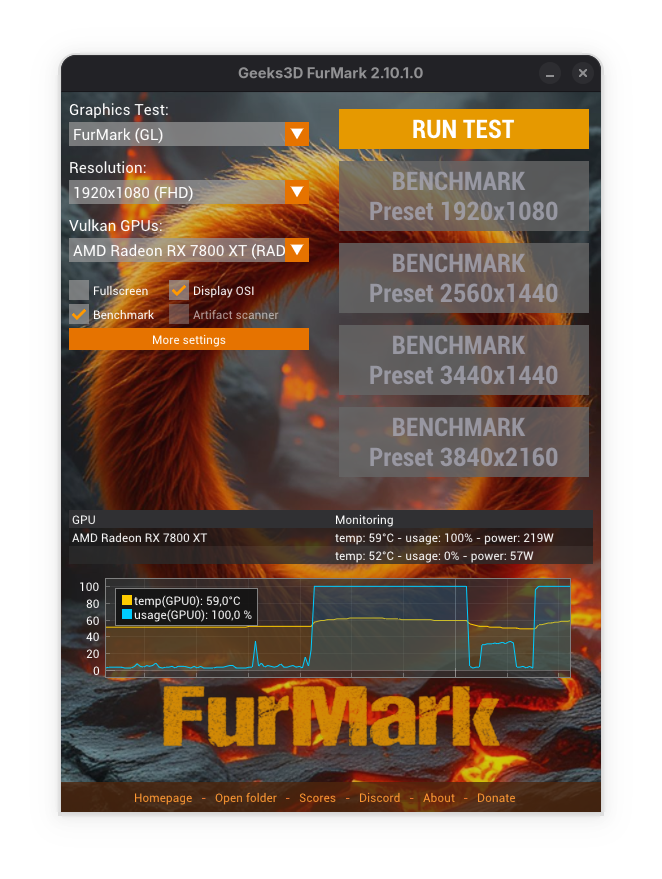
Discover FurMark, the industry-standard OpenGL and Vulkan GPU stress test. Read our comprehensive review to see how it benchmarks Linux graphics cards safely.
Verifying GPU Stability Under Heavy Workloads
Whether you are building a custom Linux workstation, overclocking your system, or troubleshooting sudden system crashes, ensuring your graphics hardware can handle extreme thermal loads is a necessity. FurMark GPU stress test has long stood as the definitive diagnostic tool for this exact scenario. Developed by Geeks3D, this utility pushes graphics processors to their absolute limits using highly demanding rendering algorithms, revealing any underlying instability in your hardware configuration.
Core Features of FurMark
This utility is designed with a singular, highly focused purpose: to put maximum strain on your graphics processing unit. It achieves this through several key functionalities:
- Multi-API Support: Execute tests utilizing both OpenGL and Vulkan graphics APIs to ensure comprehensive hardware coverage.
- Rigorous Stress Testing: Run continuous rendering loops to test the reliability, power draw, and thermal limits of your device.
- Performance Benchmarking: Measure precise rendering metrics to evaluate how your graphics card compares against expected performance levels.
- Global Database Integration: Upload and publish your benchmarking scores to an online database to compare results with other users globally.
A Critical Safety Warning for System Testers
Because the FurMark GPU stress test is designed to maximize power consumption and heat generation, it must be used with caution. If your computer does not have adequate cooling infrastructure, running this software could potentially damage your device. It is highly recommended to monitor your system hardware temperatures closely during any active benchmarking session.
Additionally, users on ARM-based hardware should note that the version currently available for ARM architectures is 2.10.1.0.
Who Is This Diagnostic Utility For?
This software is an essential diagnostic tool for hardware enthusiasts, system builders, and Linux gamers who need to verify that their graphics setup is completely stable. It is particularly useful after changing hardware components, applying thermal paste, or modifying system configurations to ensure the machine remains stable under the most demanding workloads imaginable.
How to Access FurMark
If you are ready to evaluate the performance and thermal limits of your graphics hardware, you can find more information and access the application directly on its official distribution page via the Flathub store page.