

CloudMounter: Cloud Manager - Complete Mac Review
Read our full editorial review of CloudMounter: Cloud Manager for Mac. Discover how to mount cloud drives locally, encrypt data, and save local disk space.
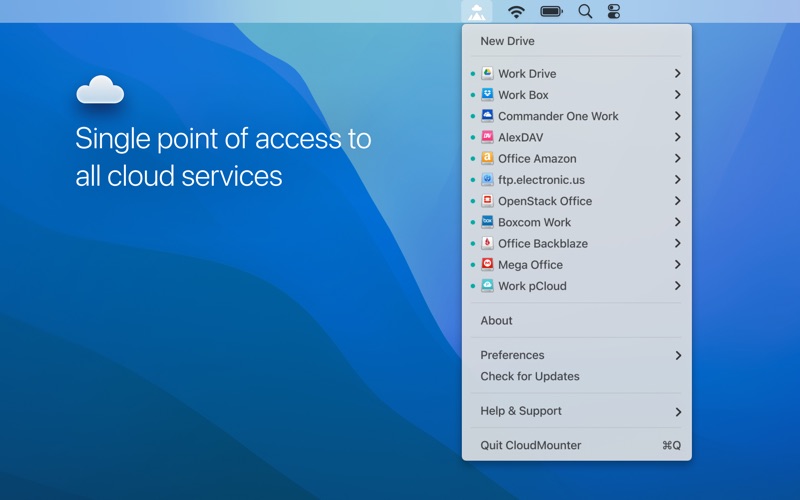
Picture this: you are working on a sleek Mac with limited SSD space, and your critical files are scattered across Google Drive, Dropbox, and OneDrive. Opening multiple browser tabs and sync clients just to access your data is tedious and bogs down your system's performance. The CloudMounter cloud manager by ELTIMA LLC offers a elegant solution to this modern dilemma by mounting your online repositories directly to your desktop.
What is the CloudMounter Cloud Manager?
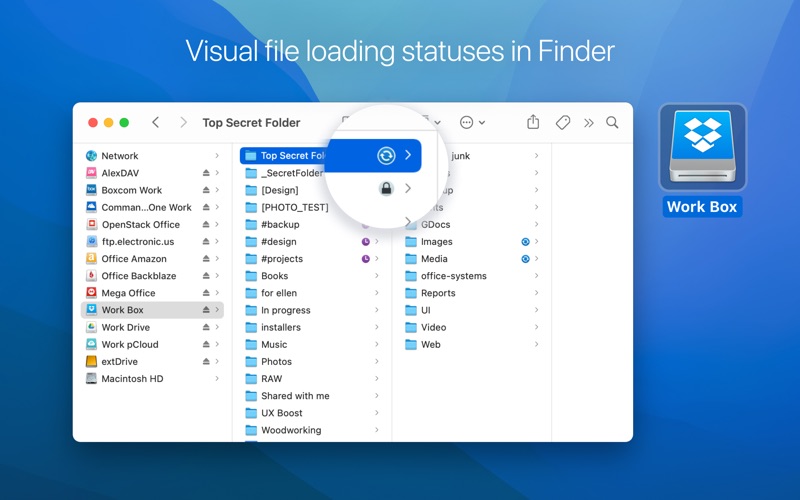
Categorized under essential system tools, this utility maps your remote storage accounts as regular local drives on your Mac. Instead of duplicating gigabytes of data onto your local hard drive, this smart software lets you work with cloud-hosted files directly through Finder. You can create, edit, download, and upload files seamlessly, saving valuable physical disk space while keeping all your documents at your fingertips.
Key Features and Architecture
This software stands out by offering deep integration with both consumer cloud platforms and enterprise-grade servers. Here is what makes it a versatile tool for power users:
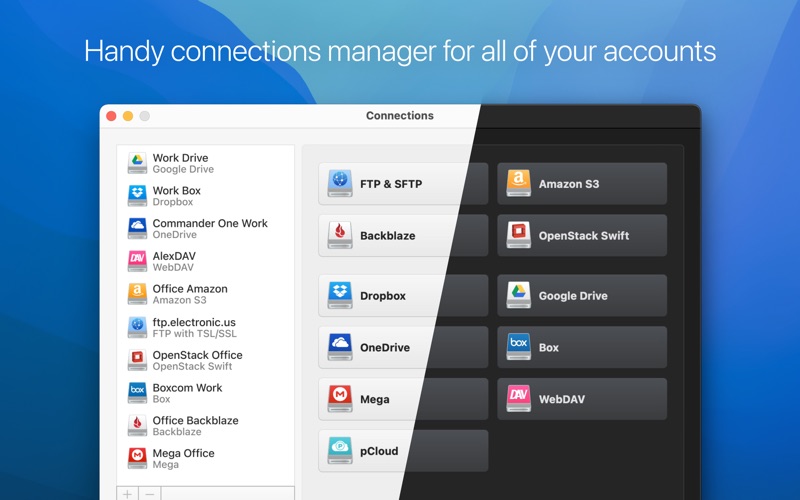
- Multi-Cloud Mapping: Mount popular services like Google Drive, Dropbox, and Microsoft OneDrive as if they were external hard drives.
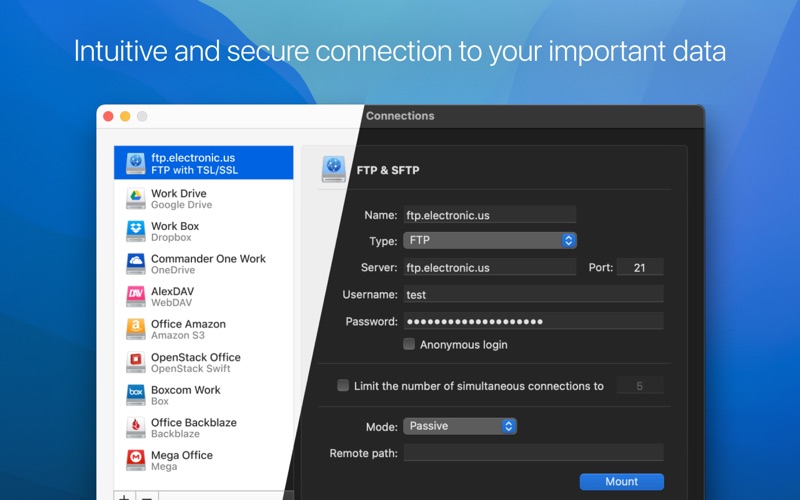
- Advanced Protocol Support: Establish secure connections with FTP, SFTP, WebDAV, and Amazon S3 buckets directly from Finder.
- Virtual Disk Expansion: Save local disk space by keeping files in the cloud while maintaining instant access on demand.
Security and Data Protection
When dealing with remote servers, security is paramount. The developer, ELTIMA LLC, has built robust safety protocols directly into the system. The utility utilizes native APIs for cloud services, ensuring your login credentials are never shared with third parties. Additionally, passwords are saved securely within the macOS Keychain.
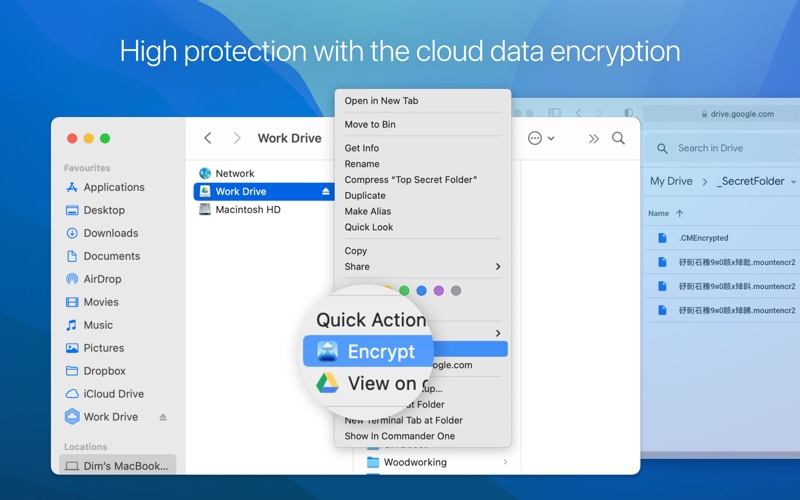
For sensitive files, the application offers solid data encryption. Using a master password, you can encrypt your files so they appear as unreadable gibberish to unauthorized eyes. SFTP connections also support secure hardware authentication keys (such as YubiKey and Titan Security Key) alongside two-factor authentication (2FA) for enterprise-grade protection.
Choosing Your Plan
The application offers flexible tiers to match your specific workflow requirements:
- Free Tier: Connect up to three major personal cloud services (one active connection each) with encryption support. Enterprise services and additional accounts are accessible in read-only mode.
- Annual Subscription: Unlock unlimited connections to all supported services, including Amazon S3, Backblaze B2, Box, pCloud, Mega, and FTP/SFTP protocols, with a 7-day free trial.
- Lifetime Purchase: A one-time payment option providing permanent, unrestricted access to all current and future integrations.
Our Editorial Verdict
If you are tired of managing multiple desktop sync clients that hog your RAM and local storage, this utility is a game-changer. It bridges the gap between cloud convenience and local file system simplicity. To experience this streamlined workflow for yourself, visit the official Mac App Store to explore the application today.